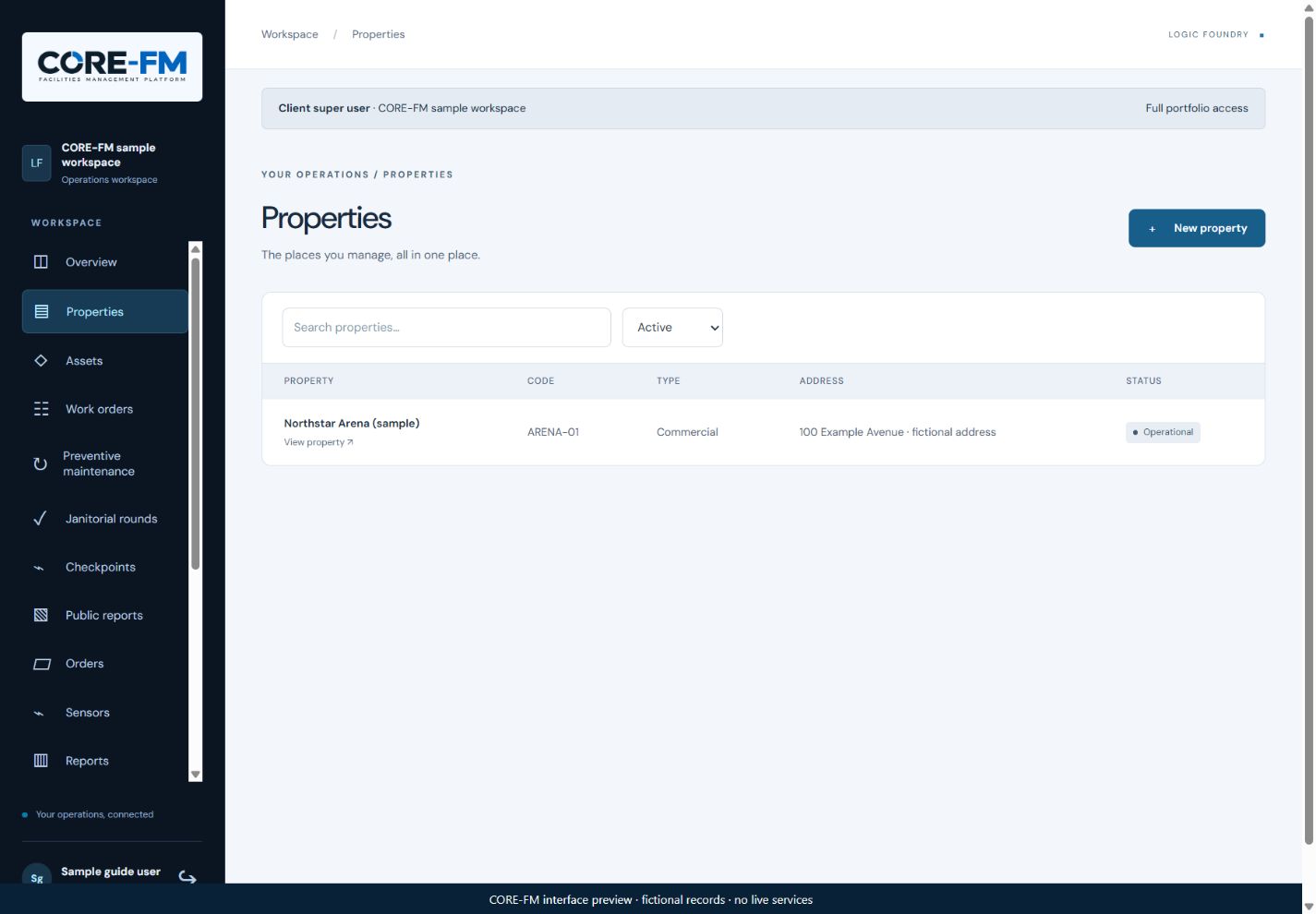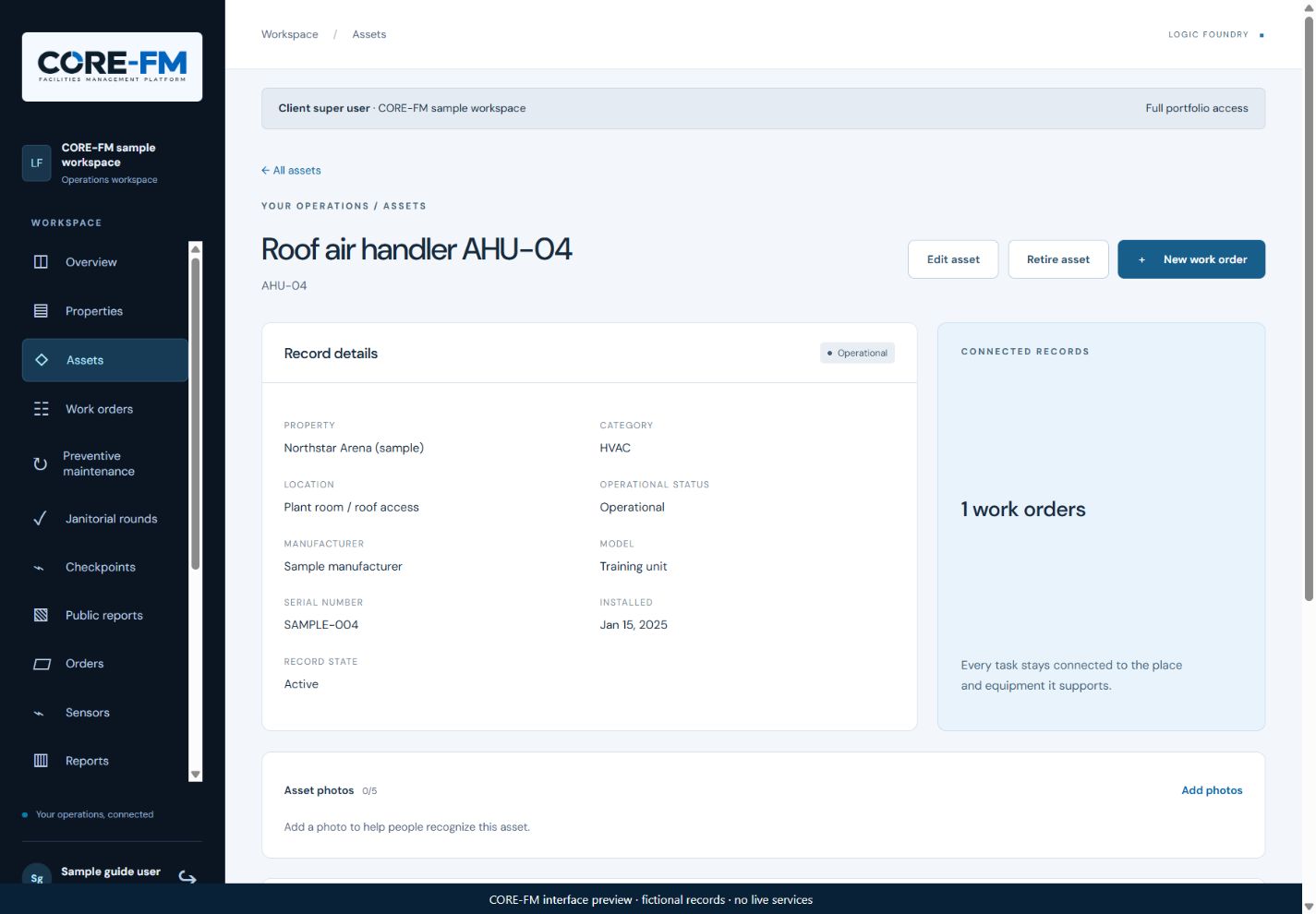
Open Assets and look for an existing equipment record.
Associate the equipment with the correct property. Use a recognizable name and a location your team can find.
Start with the assets involved in your first maintenance workflow, then expand the register.
If you use QR labels, create or print them from Assets and test the label on the intended equipment. Decide deliberately whether public issue reporting should be enabled.
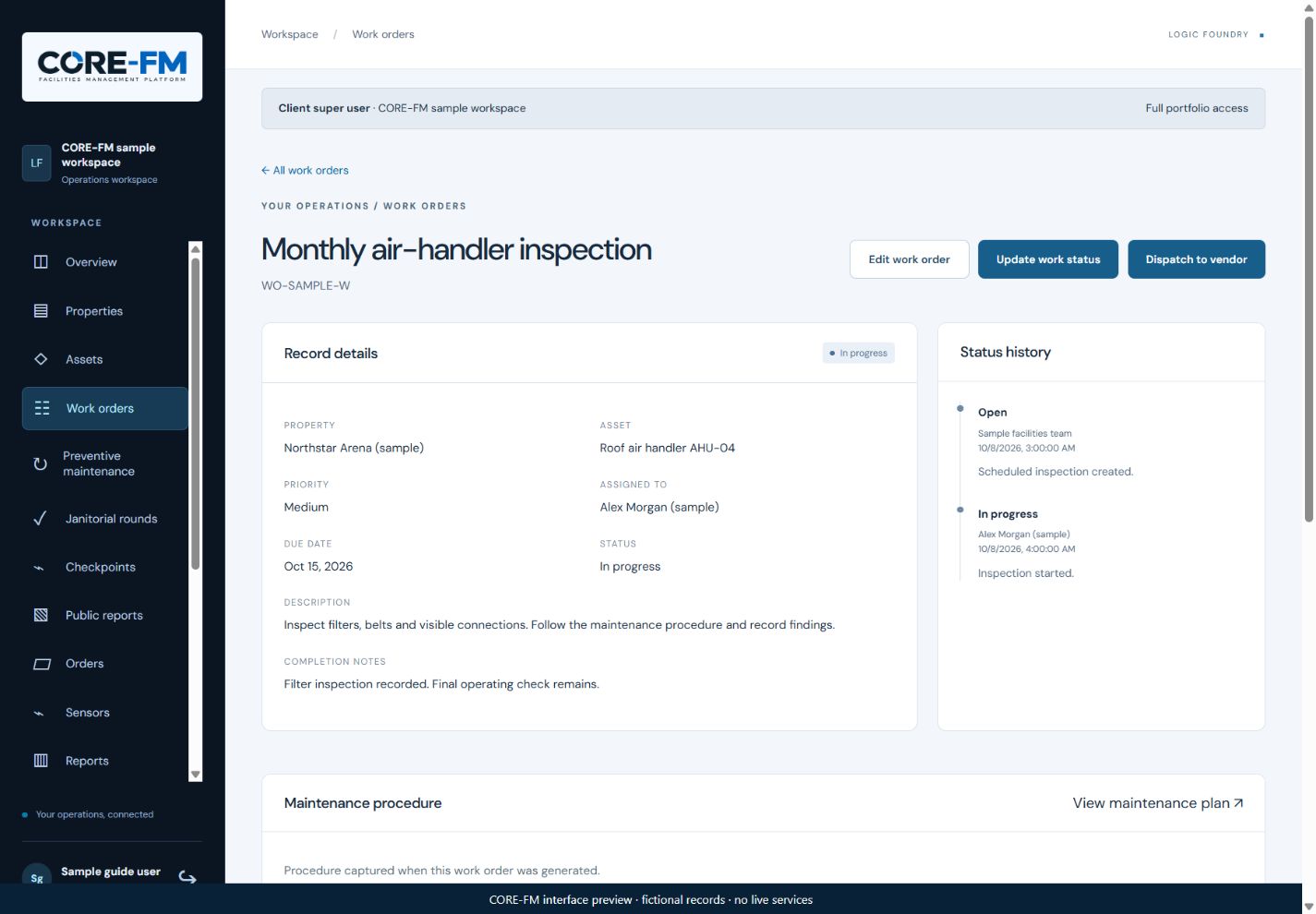
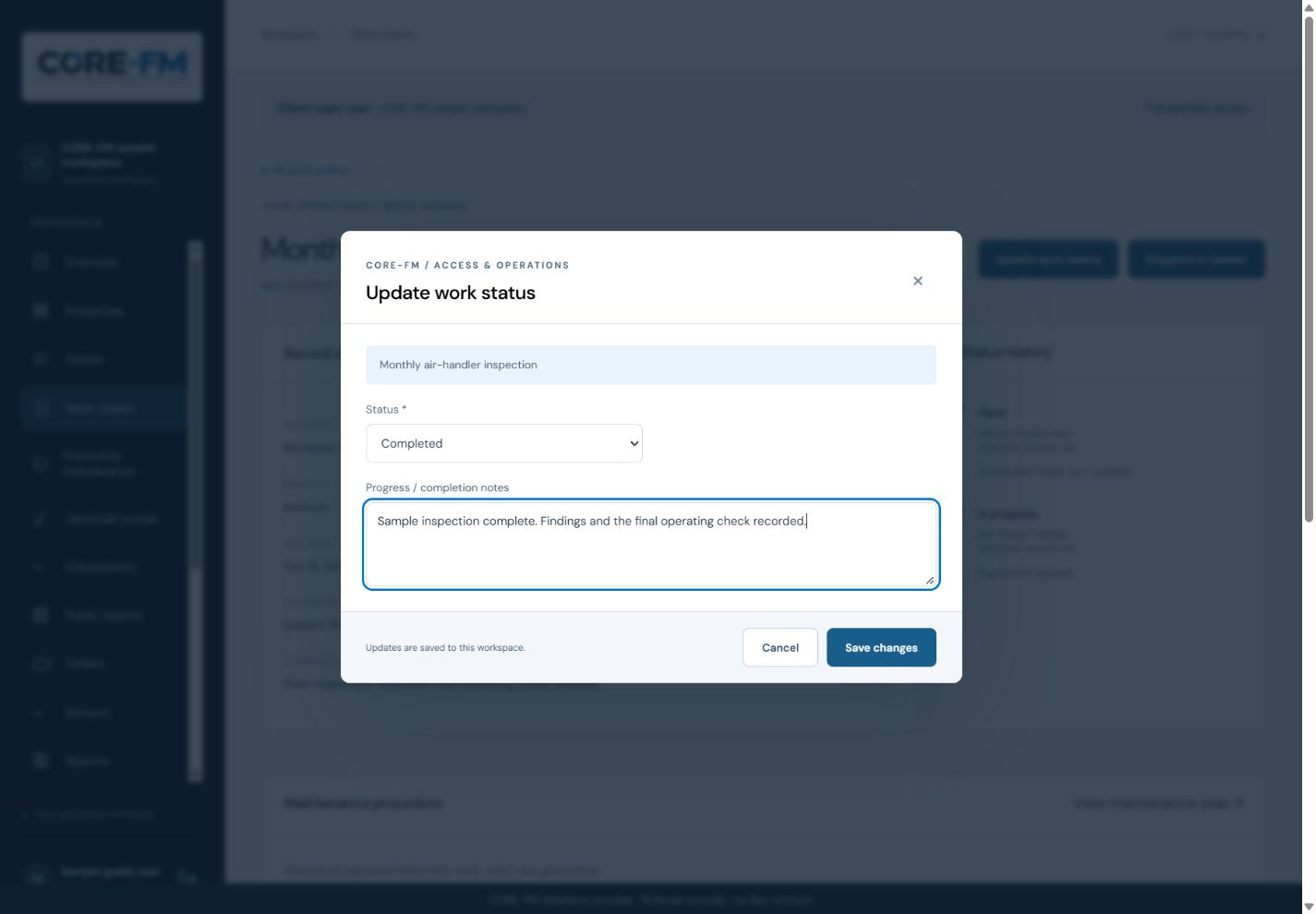
Update work status: select Completed and record the outcome before saving. This preview has not submitted a change.CORE-FM interface preview · fictional records
Preventive maintenance & SOPs
Set up recurring maintenance
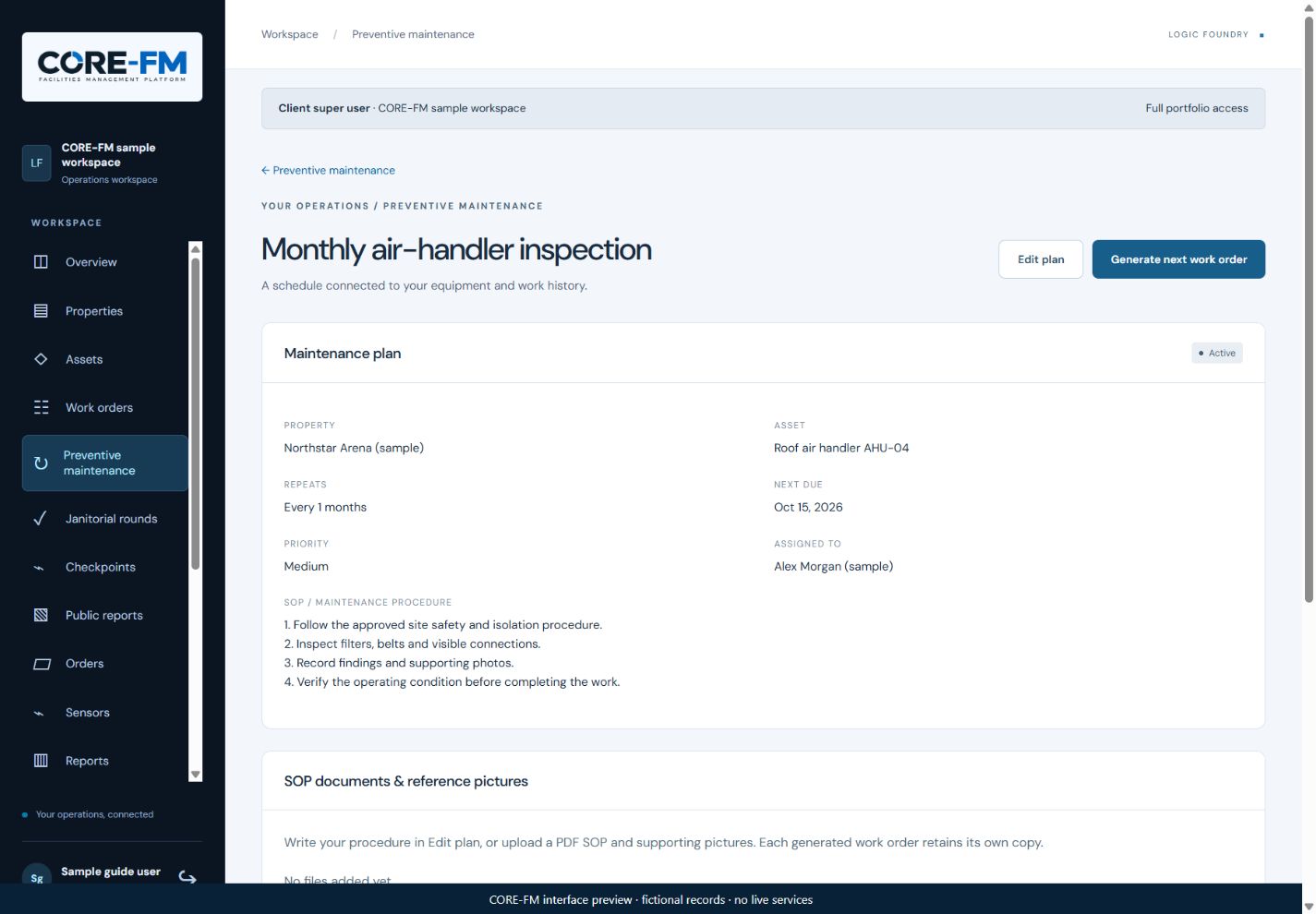
Test one recurring procedure before rolling it out across buildings.
Maintenance plan: review the schedule and procedure, then use Generate next work order to prepare the scheduled job.CORE-FM interface preview · fictional records
Sensors & device status
Plan and check sensor monitoring
Start with the condition you need to monitor and where it matters.
List the building, room or equipment and the measurement you need.
Confirm sensor selection, mounting position, gateway coverage and monitoring requirements with Logic Foundry. Hardware and site setup are scoped for the installation.
Check that each device is associated with the intended property and physical location.
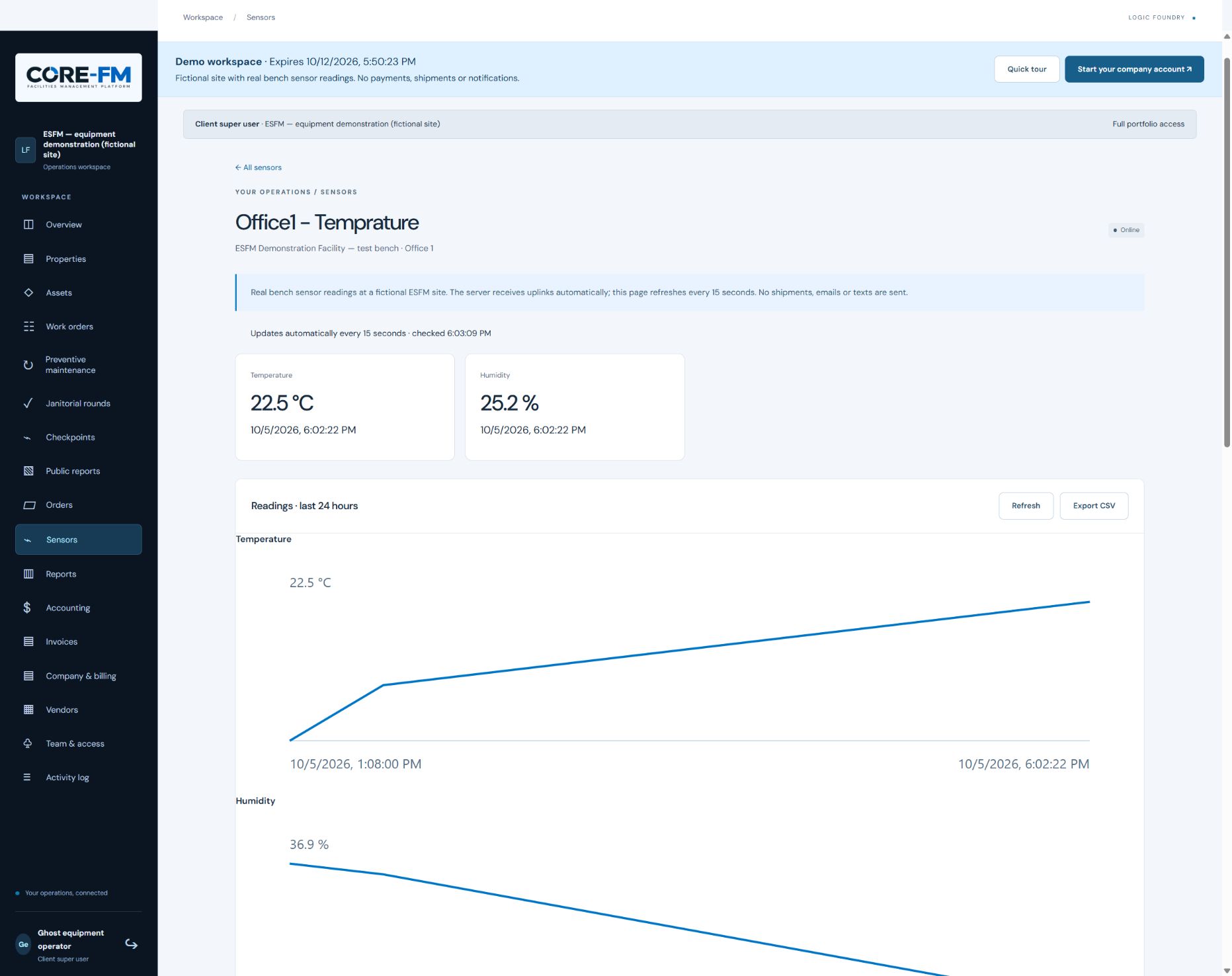
After commissioning, compare the displayed reading, its time and the device status with the expected site conditions.
Sensor screen: compare the reading time, current values, device status and history. This saved demo screenshot shows earlier bench readings, not live property data.Saved demo screenshot · fictional site with bench readings
BEYOND THE TASK
Use the record to improve the next decision.
Review preventive maintenance against recurring defects, connect inspection findings to owned repairs, and keep equipment history and evidence with the work. Our practical FM guide explores baselines, handover and trustworthy building data.